We use cookies to make your experience better. To comply with the new e-Privacy directive, we need to ask for your consent to set the cookies. Learn more.

180 degrees - MDF - IP68 - Dust; Immersion beyond 1 m - Front Car Cameras
Front car cameras are cameras that are designed to placed in the front of the vehicle facing forward. These car cameras are designed so that you can avoid hitting parking blocks, curbs, and other potentially disastrous obstructions.
Shop By
-
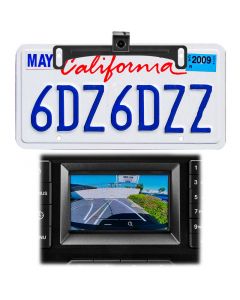 Audiovox ACA801 License Plate Mounted Backup Camera with Auto Trajectory Lines$109.99
- Dual mount camera with behind license plate mount and lip mount bracket for multiple mounting options
- Cut wire to allow camera to be used as a front camera or reverse camera
- Auto adjusting trajectory lines that provide visual reference as you turn into parking spaces, the lines curve as you move
- 180° Viewing angle
-
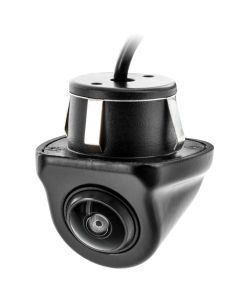 Accelevision RVC180FM Flush Mount Front or Rear Car Camera$106.99
- 1/4 inch color CMOS sensor with wide angle lens for use as a front or rear camera
- 180° car camera designed to provide full visibility of what is in front or behind you
- Flush mount housing that conceals a large portion of the camera body
- Cut wire for front or rear camera use
- Cut wire for parking grid lines
-
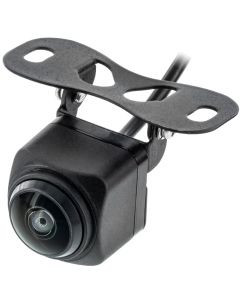 Accelevision RVC180SM Surface Mount Front or Rear Car Camera$106.99
- 1/4 inch color CMOS sensor with wide angle lens for use as a front or rear camera
- 180° car camera designed to provide full visibility of what is in front or behind you
- Surface mount housing that can be mounted virtually anywhere on a vehicle
- Cut wire for front or rear camera use
- Cut wire for parking grid lines
My Wish List
Last Added Items
You have no items in your wish list.

Related Articles & Videos
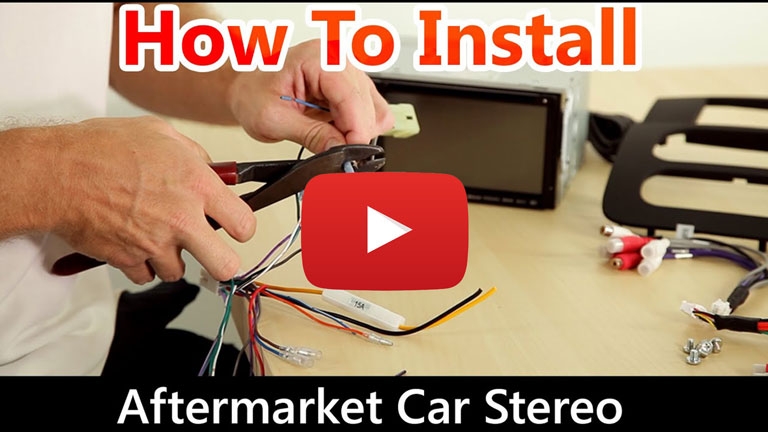
How to install a car stereo
Watch our video and read our blog for step-by-step instructions documenting the installation of a aftermarket car stereo receiver.
QualityMobileVideo Blog
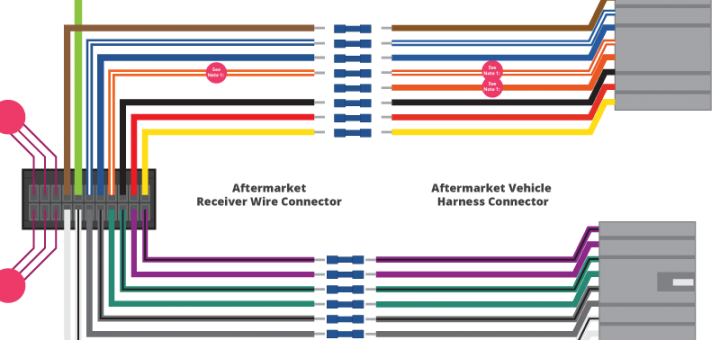
Car Stereo Wiring Guide
Watch our video and read our blog for the proper wiring colors and their definitions. We explain wire-by-wire what these connections do for the installation of an aftermarket car stereo receiver.
QualityMobileVideo Blog