We use cookies to make your experience better. To comply with the new e-Privacy directive, we need to ask for your consent to set the cookies. Learn more.

iBeam - No - MDF - Bullet Camera
Bullet cameras are small cylinder shaped reverse cameras that are great for flush mounting in a vehicles bumper. We carry a large selection of dedicated flush mount bullet cameras that have an integrated flange for easy flush mounting. Bullet cameras have many mounting options and are great for covert or concealed uses. We carry the largest selection of bullet cameras for every car.
Learning Center Resources : Installation Video's' Knowledge base
Shop By
-
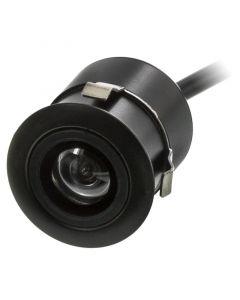 iBeam TE-FLC Flush Mount Micro Reverse Backup Camera$34.99
- Universal flush mount reverse back up camera
- Rearview use only
- Built in three color parking grid lines
- CMOS image sensor
- 110° wide viewing angle
- Black housing
- Includes drill bit
-
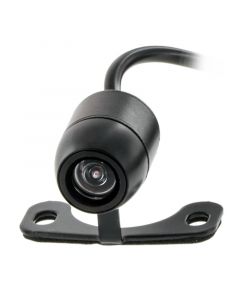 iBeam TE-SBC Micro Bullet or Surface Mount Reverse Backup Camera$42.99
- Universal flush or surface mount reverse back up camera
- Two way mounting - Includes flush mount ring and surface mount bracket
- Rearview use only
- Built in three color parking grid lines
- CMOS image sensor
- 170° wide viewing angle
- Black housing
- Includes drill bit
-
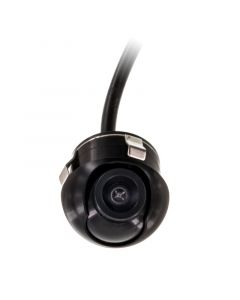 iBeam TE-RRSC Rotating Eyeball Front or Car Camera$52.99
- Rotating Eyeball Camera
- Front or rear view use
- Built in three color parking grid lines
- CMOS image sensor
- 170° wide viewing angle
- Black housing
-
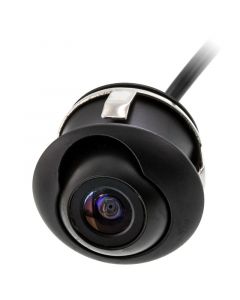 iBeam TE-RSC Micro Rotating Eyeball Front or Car Camera$52.99
- Micro Rotating Eyeball Camera
- Front or rear view use
- Built in three color parking grid lines
- CMOS image sensor
- 170° wide viewing angle
- Black housing
My Wish List
Last Added Items
You have no items in your wish list.

Related Articles & Videos
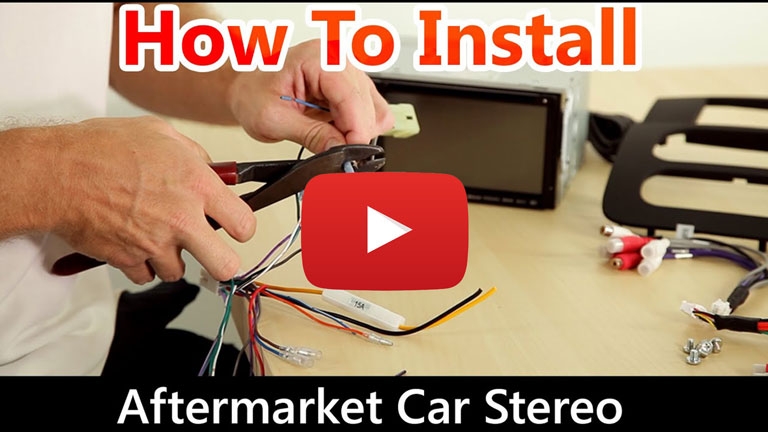
How to install a car stereo
Watch our video and read our blog for step-by-step instructions documenting the installation of a aftermarket car stereo receiver.
QualityMobileVideo Blog
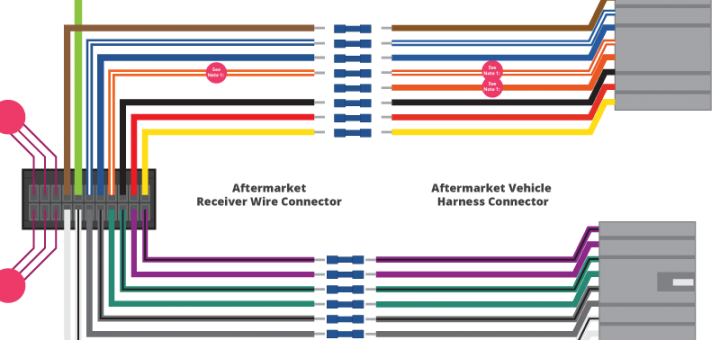
Car Stereo Wiring Guide
Watch our video and read our blog for the proper wiring colors and their definitions. We explain wire-by-wire what these connections do for the installation of an aftermarket car stereo receiver.
QualityMobileVideo Blog