We use cookies to make your experience better. To comply with the new e-Privacy directive, we need to ask for your consent to set the cookies. Learn more.

1 Audio Video Input - 1-Camera Input - Yes, requires external module - Double DIN with Video Car Stereo Receivers
Double din with car video receiver is a mountable in-dash video tuner designed to fit twice the standard dashboard size (OEM) for radio installation schematics in certain vehicles. Quality double DIN with video car stereo receivers feature fully motorized automatic slide/close mechanism and widescreen TFT touchscreen LCD monitor. Added features of double DIN with video car stereo receivers are GPS navigation mapping software and DVD/MP3/MP4/VCD/CD/CD-R multimedia playback.
Shop By
-
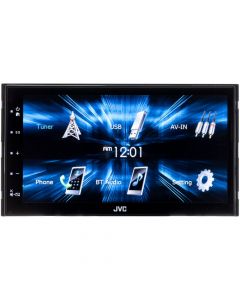 JVC KW-M150BT Double DIN 6.8" Digital Multimedia Receiver with Bluetooth, USB Mirroring for Android, SWC Connections and Capacitive Touchscreen$179.99
- 6.8" Digital Media Receiver
- Capacitive Touchscreen
- USB Android Screen Mirroring
- Time alignment, 13 band EQ, Drive EQ, and Crossovers
- Rear USB
- Steering Wheel Control Keys built-in
- Built in Bluetooth
Who Bought This Also Bought
My Wish List
Last Added Items
You have no items in your wish list.

Related Articles & Videos
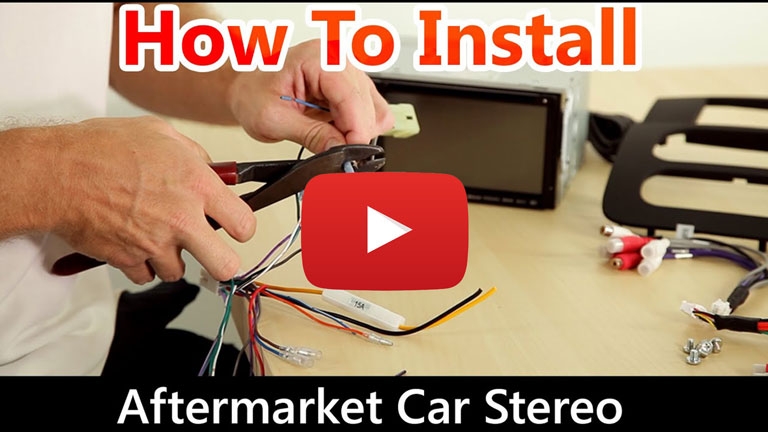
How to install a car stereo
Watch our video and read our blog for step-by-step instructions documenting the installation of a aftermarket car stereo receiver.
QualityMobileVideo Blog
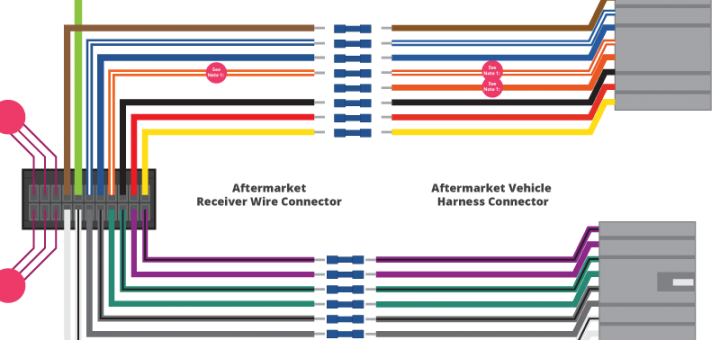
Car Stereo Wiring Guide
Watch our video and read our blog for the proper wiring colors and their definitions. We explain wire-by-wire what these connections do for the installation of an aftermarket car stereo receiver.
QualityMobileVideo Blog